

Many marinas already perform daily dock walks looking for any issues with docks, slips or the occupant. Dock walks in Dockit can be extremely useful for this task. You can create as many dock walks in a day as desired.
To initiate a dock walk, simply click on the + Dock Walk button and you will immediately be presented with a list of all slips, grouped by dock. This action can be carried out in desktop, tablet or mobile view. You can see that the current occupant of each slip is displayed right in the slip list.
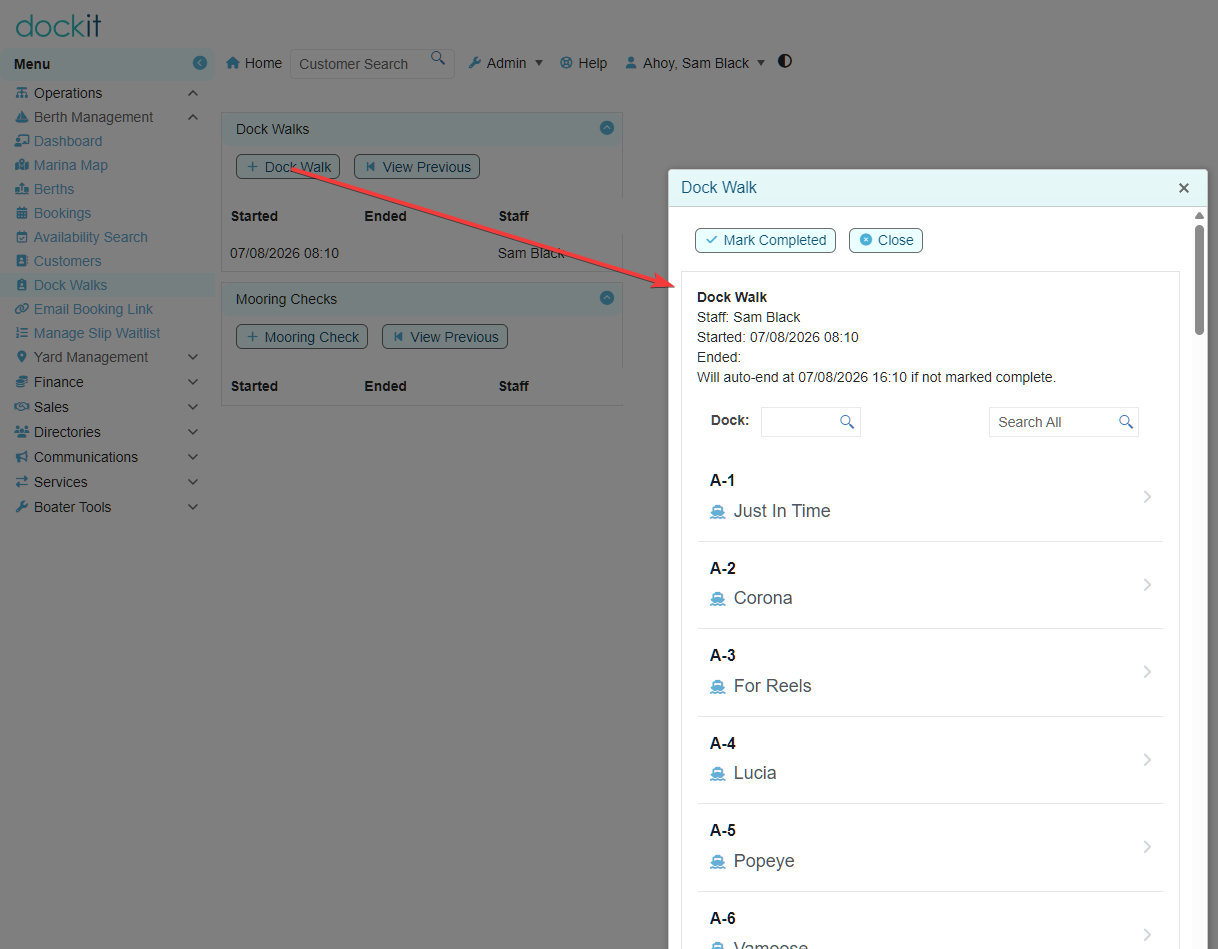
Just click on any slip to view the Exceptions view.
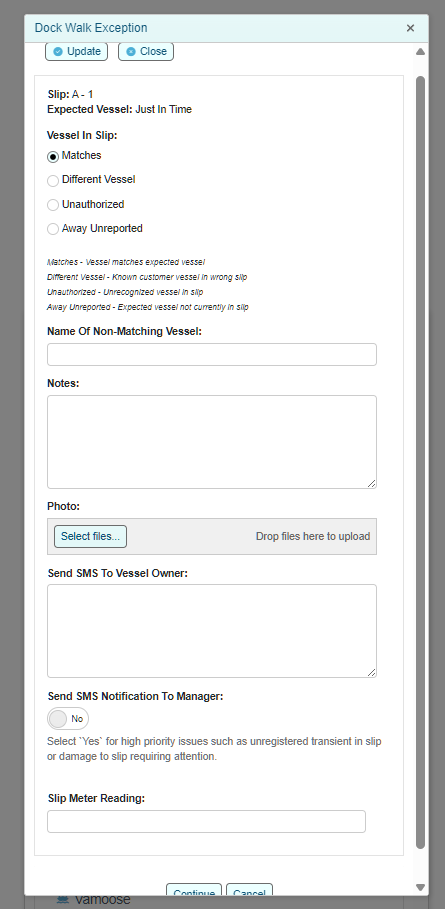
The person walking the dock can easily view who is supposed to be in the slip and report on who is actually in the slip. They can also take a photo using their phone of the vessel or any issues with the dock/power pedestal that requires attention. If the staff member wishes to, they can send a text message to the vessel owner informing them of any observed issues such as flogging headsails etc... If the Continue button is selected, the exception record will be created. When the staff member has completed their dock walk, they simply click on the Mark Completed button. This operation will strip out any slips that do not have a recorded dock walk exception record to focus management staff to issues that need to be resolved without hunting for them. The issue will be displayed in the slip bookings dashboard to raise visibility and ease of access to the issues requiring attention.
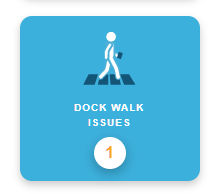
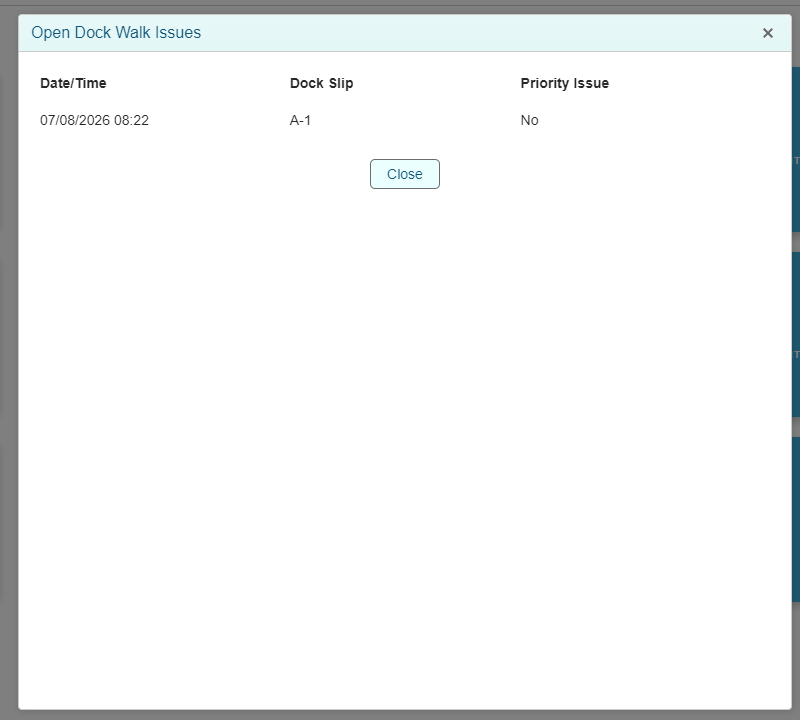
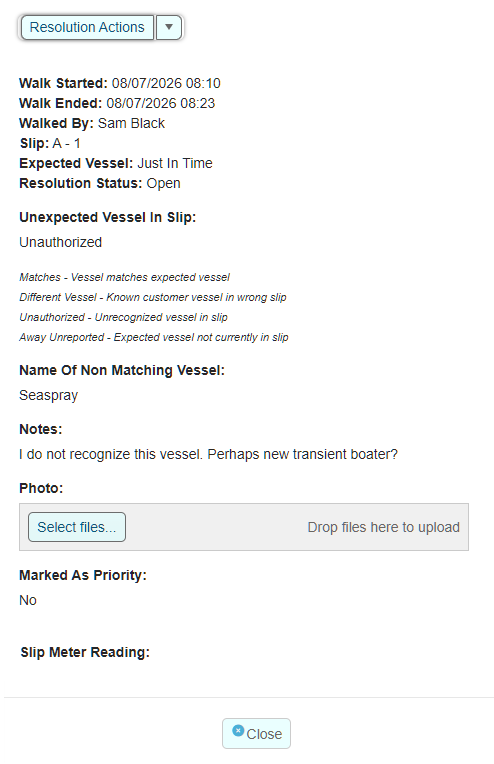
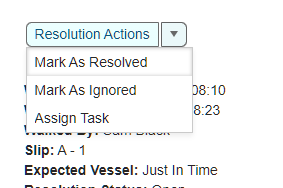
When view the exception record, management staff can select to mark it as resolved, or ignored which will close the record. They can also assign a staff task such as asking a staff member to contact the vessel owner, or organize slip repairs etc...