Sometimes a computer at the marina is used by several different staff to access Dockit. An example of this might be a computer in the front desk of the marina office. In this case, it is important that the logged in user is actually the person using the computer. If not, the user may be able to access Dockit functionality that they should not be able to and all logs will reflect the logged in users name rather than the actual user.
In order to provide users with a very secure but rapid method of switching the user profile to their own profile we use the same 3 digit staff code that is used for ensuring that new transient bookings reflect the actual person in the `Entered By' field. (see Transient Bookings - Entered By)
The first step is to enable the user for profile switching. This is handled in the staff edit form, then ensure that each enabled user is aware of their 3 digit code. They can access this for themselves from their profile form.
The user will now have a new menu item:
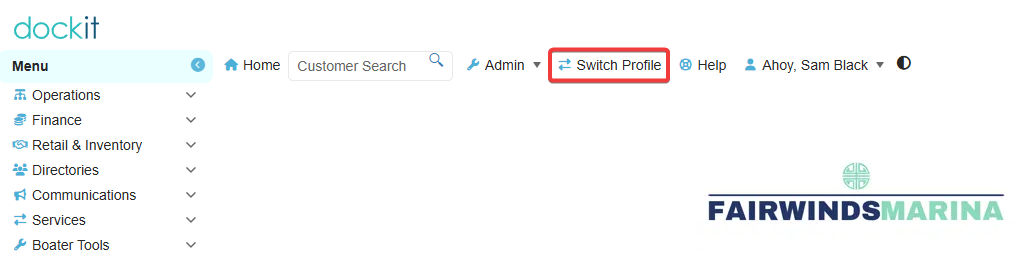
When selected, they will be presented with a form where they will enter in their 3 digit code:
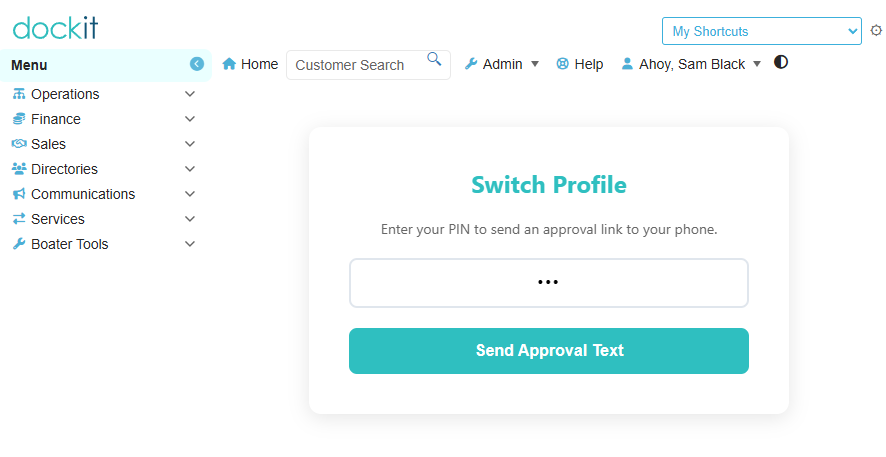
After clicking on the approval button, they will receive a text message:
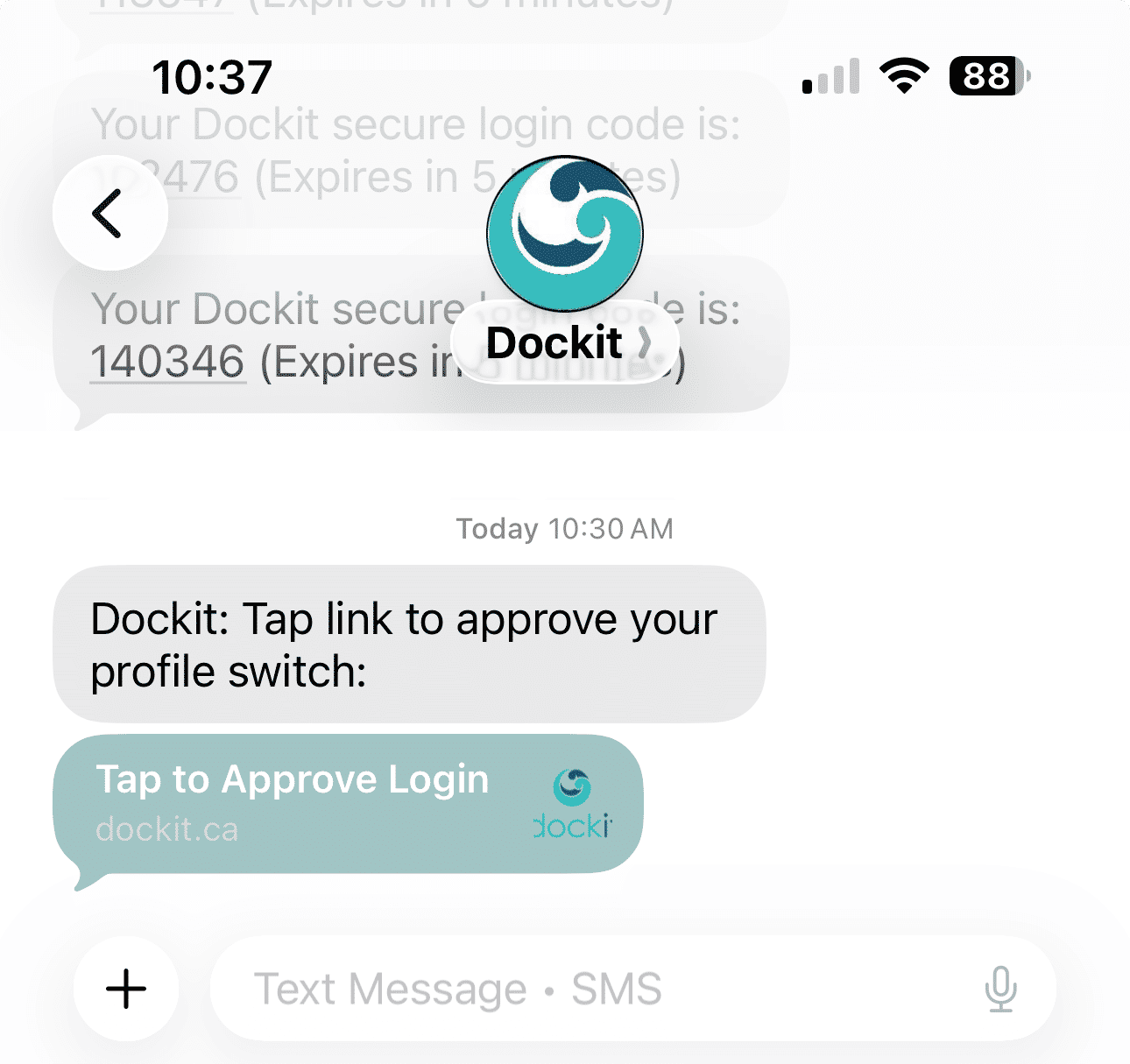
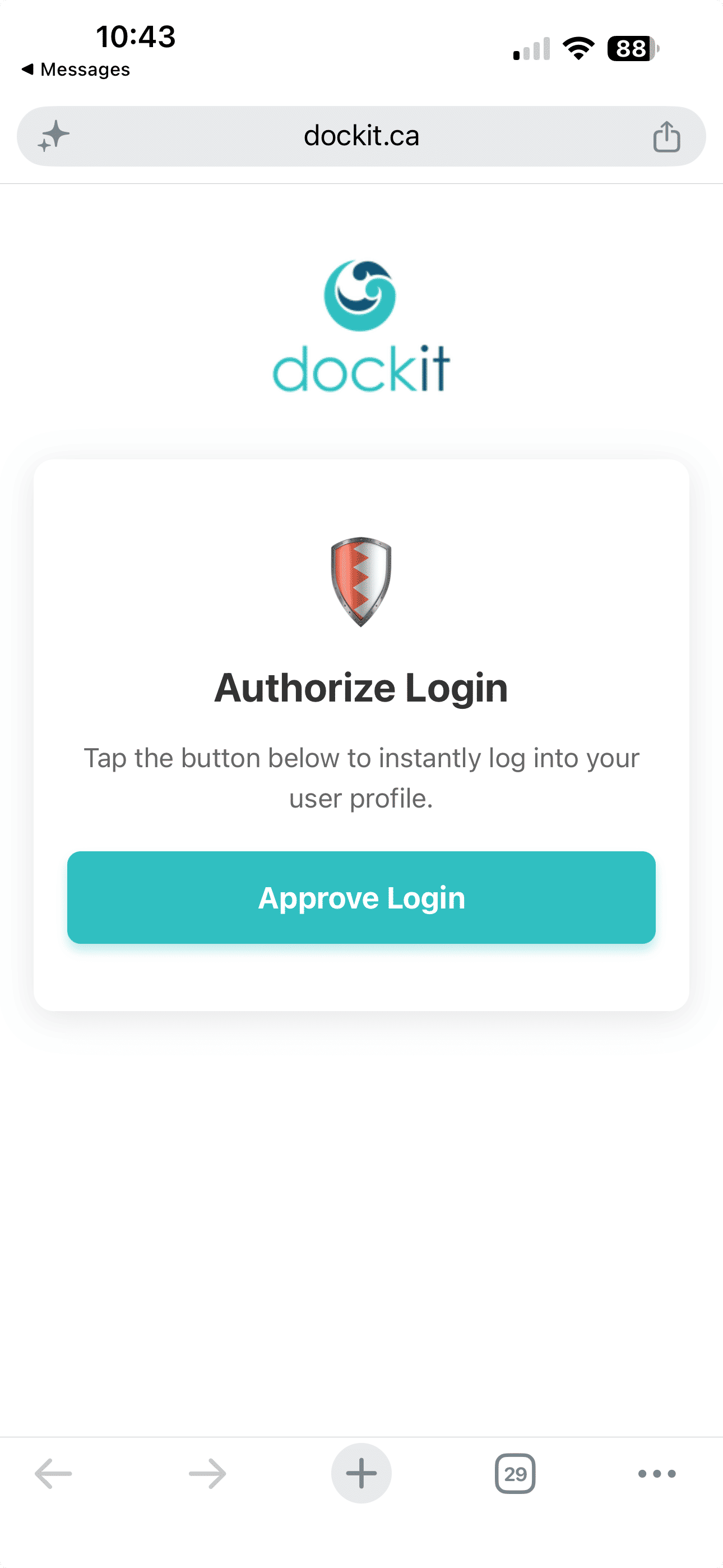
Once you tap on the approval link you will be taken to the approval page. This ensures security and that the user can only use their own code. As soon as you click on the Approve Login button you will be instantly logged into your own user profile in Dockit.: