

If you are unsure which slip or mooring you wish to create a transient booking or seasonal assignment for, you can search for available berths that match specified date and vessel details.
Here is a representative flow:
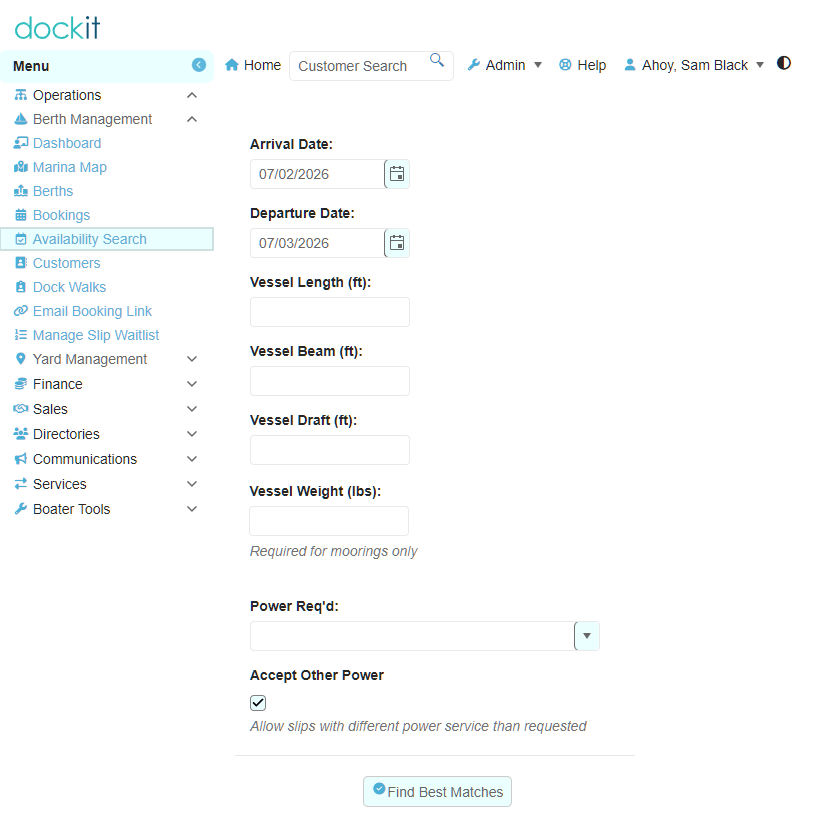
1. The first step is to provide the date range and vessel details, the system will ensure that the departure date is later than the arrival date. By default, the system will restrict matching slips to the exact power requirement unless Accept Other Power is selected (default value), in which case you will be presented with all matches including other power sources.
-
In the next screen, you will be presented with a list of available slips and moorings. You will notice in the second row that the Availability Note shows "Shared - owner away". If you have enabled Slip Sharing in the company configuration and a boater with a seasonal slip assignment has reported that they are away, their slip will be available for transient bookings while they are away. You will also notice a column titled
Match %. Dockit utilizes an algorithm which calculates how closely the boaters requirements matches the slip dimensions and power availability. Any dimension that is not an exact match to the vessel requirements is identified by orange text.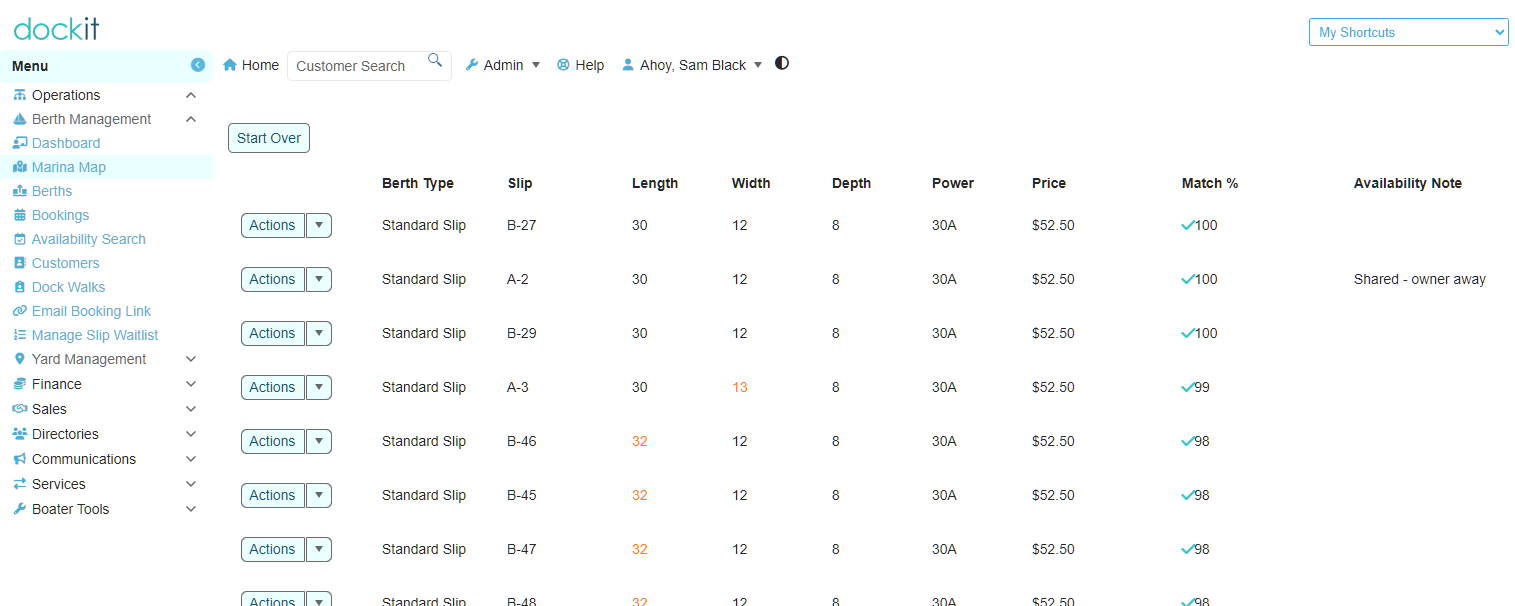
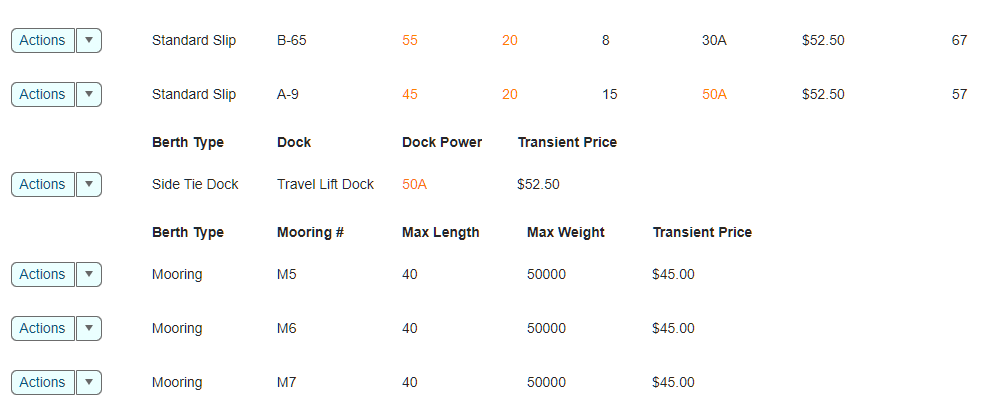
In the following image, you can see that three different Berth Types are being show further down the availability list. If you offer transient moorings or a side-tie dock/wharf, you can also select them if they are a match. A side-tie dock is a length of wall that is available for booking as long as the sum of the vessel lengths along the wall is less than the available length of wall.
The
Actionsdropdown menu beside each record provides the ability to create either a transient booking or seasonal assignment.-
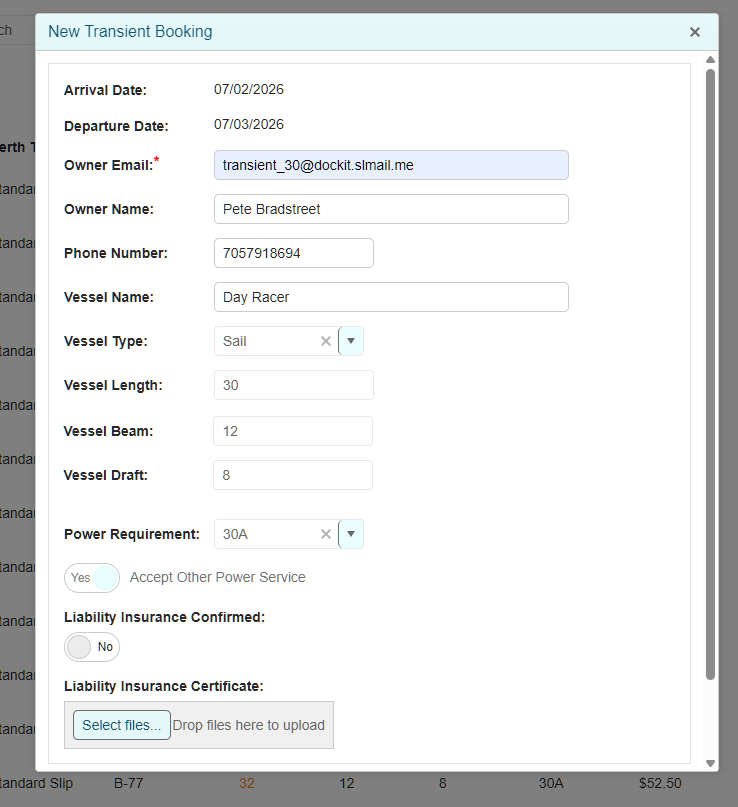
We will select "Create Transient Assignment" and the following form will be presented where you can enter in the booking details. After you have entered in the boater's email address, if they have visited the marina in the past, their personal and vessel information will be pre-populated.
-
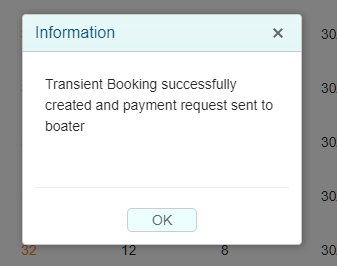
Once you submit the form, you will be asked to select the payment method. You will have 3 flexible options. If the customer is not present, you will likely want to select "Stripe Payments". This is the online payment gateway that Dockit is fully integrated with. The customer will be emailed a payment request email which provides a link that will take them to the secure Stripe Payment Portal where they can process their credit card transaction.
-